Complete cloud-password setup
Sign in and follow the cloud-password prompt when the device needs a key. You can reopen Cloud Password from Cloud when setup is needed.
Cloud password and backup
Use a separate cloud password to access encrypted cloud content. Save it somewhere safe, check that uploads finish and keep a separate backup of important originals.
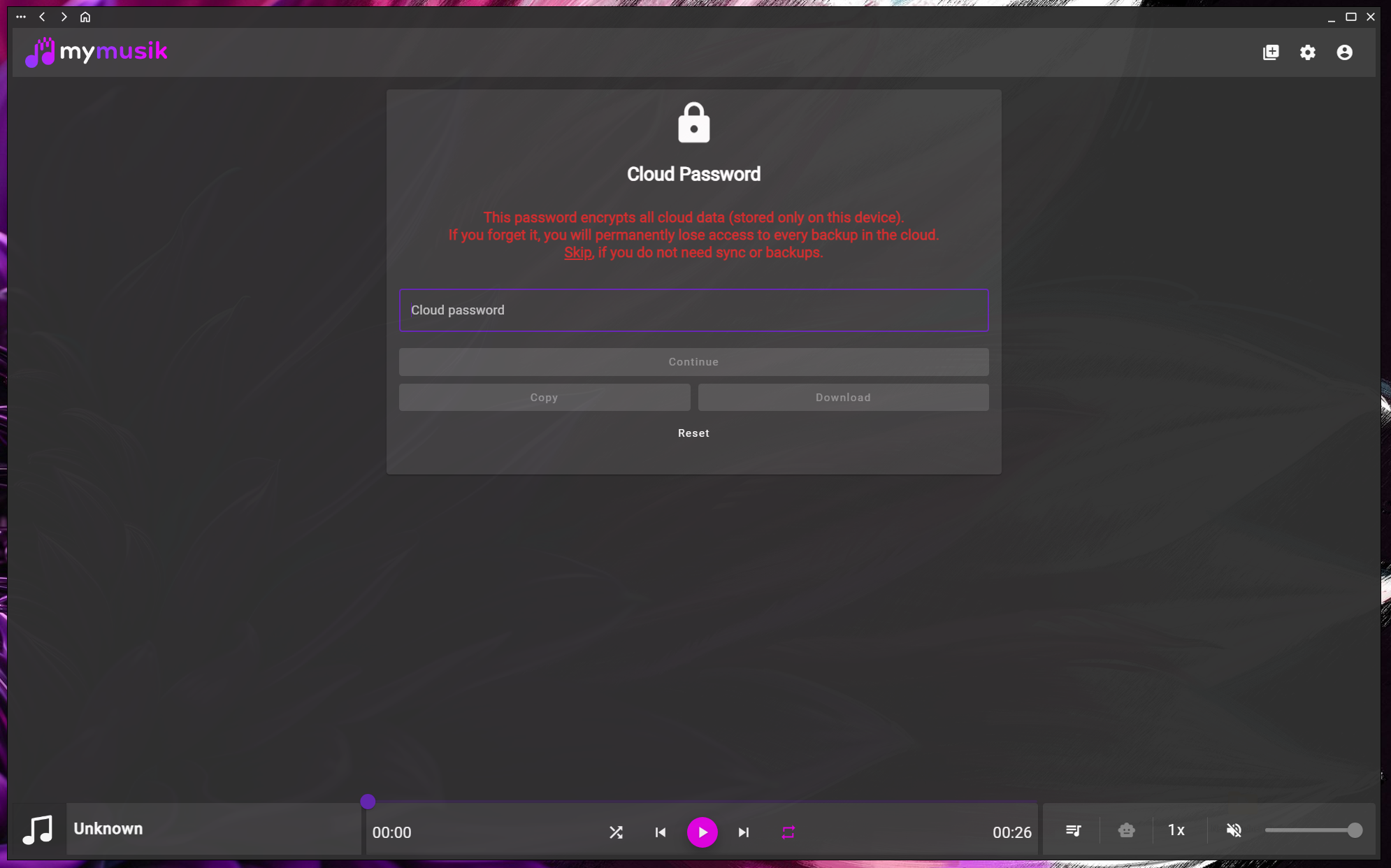
Sign in and follow the cloud-password prompt when the device needs a key. You can reopen Cloud Password from Cloud when setup is needed.
Save the password in a safe place you can access without this device. Use the copy or password-file option if it is available, and store the result securely.
Check upload progress in Cloud and wait for transfers to finish. You need an internet connection, cloud access and enough space in your account.
Cloud-password reset uses email confirmation and clears previous cloud data. It does not decrypt the old backup. Keep original audio and another app-data backup where possible.
Use an account with working cloud access. When prompted, enter the cloud password; save a separate record before continuing.
Enter your cloud password to set up encrypted access on this device. You can choose Skip to continue with local music and return to Cloud Password later.
Review synchronization and cloud-file status. Confirm that important audio has actually uploaded and check playback or download on another supported device.
Store your cloud password securely outside this device. If you later need to reset it, read the email confirmation carefully: resetting removes previous cloud data.
This screenshot shows the English app interface.

Yes. Choose Skip to continue with local music. To set up encrypted cloud access later, open Cloud and choose Cloud Password when the device needs it.
Do not assume the old encrypted data can be recovered. The reset workflow uses email confirmation and clears previous cloud data so setup can start again.
Keep it securely outside the device you are backing up, for example in your password manager. A copied password or downloaded password file should be treated as sensitive.
Keep an independent copy of important originals and verify what each backup includes. Cloud availability depends on completed transfers, account limits and access to the service.
Visit the download page, install MyMusik and try one music folder first.
Check the current plans for cloud storage and AI allowances before choosing a plan.